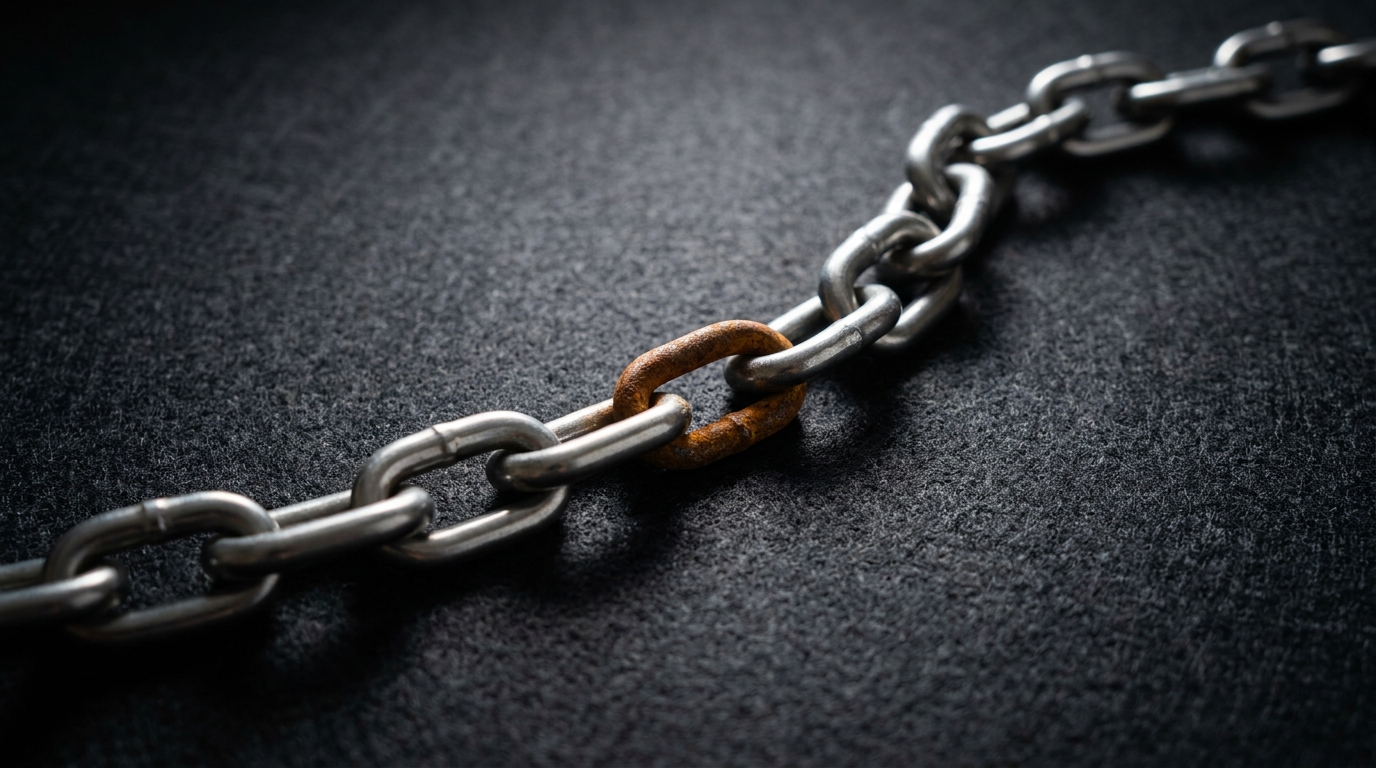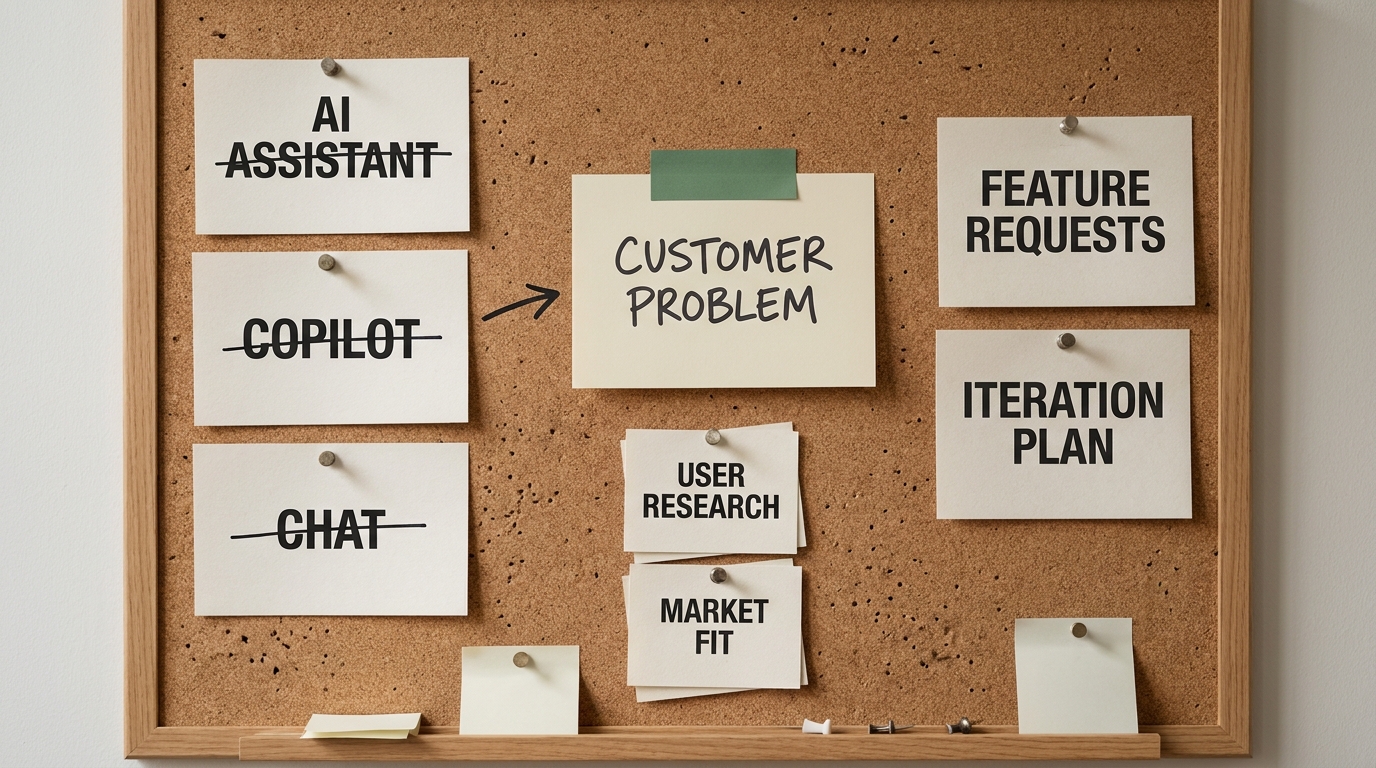

You are probably already paying for AI. A seat got bought, the demo looked great, and then last month it sat mostly untouched and nobody can quite say what it changed. That is the real starting line for most small businesses, and it is not a tooling problem. The tools work fine. What is missing is a workflow with an owner, a baseline number, and a plan to make the new way stick once the novelty wears off.
That gap is where AI consulting for small businesses either earns its keep or quietly burns your money. Adoption is already near-universal. A 2024 US Chamber of Commerce report found that roughly 98% of small businesses use at least one AI-enabled tool, and a growing share now use generative AI specifically. But using something is not the same as getting results from it. The whole point of bringing in help is to skip the expensive part of the learning curve and turn one workflow into a measurable win.
This page gives you the straight version, with no contact form in the way: what AI consulting actually buys, what a sane engagement costs, and how to run the first 90 days so you can decide for yourself whether to hire, do it yourself, or wait.
What AI consulting for a small business actually is
AI consulting for a small business is hands-on help to pick the right first use case, build it into a real workflow, set guardrails, and get your team to actually use it, scoped for a company of roughly 1 to 50 people rather than an enterprise.
The scope is the point. Enterprise AI advice assumes a data team, a platform budget, and a multi-quarter roadmap. You have none of those, and you do not need them. A good small-business engagement is short, narrow, and tied to one number you already care about, like hours spent quoting or tickets resolved per day.
Here is the entire method in one line you can hold onto: map your workflows, pick the single highest-return bottleneck , set guardrails, build the smallest useful version, then drive adoption until the new way is just how the work gets done.
- Best for: owners who have a clear, repetitive, time-eating workflow and want one win they can measure before spending more.
- Not for: teams hunting for a vague "AI strategy" with no specific workflow in mind, or anyone expecting a tool to fix a broken process on its own.
A consultant worth hiring spends as much time on adoption and guardrails as on the build itself. The model is rarely the hard part. The hard part is all the work around it.
Why most small-business AI projects stall
Most small-business AI efforts do not fail loudly. They fade. The subscription renews, the team drifts back to the old spreadsheet, and the experiment gets quietly reclassified as "we tried that." The root cause is almost always the same. The project started with a tool instead of a workflow.
The common symptoms:
- Shiny-tool buying. Someone saw a demo, bought the subscription, and went looking for a problem to point it at.
- No owner. Nobody is accountable for whether the workflow actually changes. Everyone is "interested," no one is responsible.
- No baseline. Without a starting number, you cannot tell whether anything improved, so the win is a feeling rather than a fact.
- No adoption plan. The tool exists, but the team was never shown how it changes their day, so they route around it.
- Pilot purgatory. A promising test never gets a go or no-go decision, so it lingers half-used forever.
Notice that not one of these is a technology problem. They are ownership and measurement problems. That is exactly why "just buy a better tool" rarely rescues a stalled project, and why the discipline of picking one workflow and one number is the entire game.
If you recognize your own business in that list, a short, structured conversation is usually worth more than another subscription. A free AI Readiness Snapshot is a 30-minute call to pressure-test where your real bottleneck is before you spend anything.
What an AI consultant actually does, and what you can do yourself
A consultant's real job is to compress the trial-and-error. Strip away the brand language and the deliverables are concrete.
- Opportunity selection. Look across your workflows and find the one with the best ratio of time saved to build effort. This is where outside pattern-matching pays for itself, because someone who has done ten of these spots the right starting point faster than you will.
- Scoping. Turn a fuzzy idea ("use AI for support") into a defined workflow with inputs, outputs, a baseline metric, and a target.
- Build and integration. Connect the model to your actual tools, your inbox, your CRM, your document store, so it works inside the way you already operate.
- Guardrails. Decide what the system can do on its own, what needs a human to approve, and what it must never touch.
- Training and adoption. Show the team the new workflow, handle the objections, and stay until the new way is the default.
Now be honest about what you can do without anyone. If you have a curious, semi-technical person on staff, you can absolutely run small experiments with off-the-shelf tools, draft prompts, and pilot a single use case without hiring. Plenty of useful wins start exactly that way.
Where outside help earns its fee is integration, guardrails, and adoption across a team, the parts that quietly eat weeks and where mistakes are costly. If you genuinely have no technical capacity in-house, an option like a Fractional Agentic Team gives you that build-and-operate muscle without a full-time hire. The test is simple. If the workflow touches money, customer data, or several people's daily routine, the cost of building it right is usually less than the cost of getting it wrong twice.
The high-impact first use cases, by function
The best first project is boring, frequent, and measurable. Flashy is the enemy. Here are the patterns that tend to pay off first, organized by where the work lives.

- Sales. Lead scoring and follow-up drafting. The AI ranks inbound leads and drafts the first reply, so reps spend their time on the prospects most likely to close instead of triaging an inbox.
- Customer support. Deflection and triage. Common questions get an instant, accurate answer, and the rest get routed and summarized so a human starts halfway to a resolution.
- Operations. Document processing and scheduling. Pull data out of invoices, contracts, and forms automatically instead of retyping it, and let the system handle routine scheduling back-and-forth.
- Finance and admin. Invoice and quote drafting. Generate a first-draft quote or invoice from a short brief, then a human reviews and sends, which is where a lot of small firms lose hours every week.
- Marketing. Content operations. Draft, repurpose, and schedule routine content so a one-person marketing function covers more ground without dropping quality.
For every one of these the pattern is identical. Name the problem, apply a narrow AI approach, measure the outcome against a baseline. Pick the function where the pain is sharpest and the work is most repetitive, and start there.
A quick worked example, clearly illustrative rather than a real client result. Picture a 12-person professional-services firm that spends about 6 hours a week drafting quotes. A scoped drafting assistant that produces a first-pass quote from a short brief might cut that to 2 hours, with a human still reviewing and sending every one. Those recovered four hours are the kind of baseline you can actually measure and defend, and they will convince a skeptical owner far faster than any generic productivity statistic.
What AI consulting costs for a small business
Cost is where most pages go cagey. Here is the honest landscape, with the ranges labeled as estimates synthesized from public competitor pricing rather than quotes.
- Big 4 and management consulting. Roughly $150,000 and up. You get brand, breadth, and a heavyweight roadmap. For a business under 50 people, this is almost always the wrong tool. A six-figure transformation program aimed at a 12-person firm is a red flag, not a credential.
- Boutique implementation firms. Roughly $2,000 to $15,000 for a fixed-scope project, or about $3,000 to $15,000 a month for ongoing build-and-operate work. These ranges are estimates drawn from published small-business consulting pricing and will vary by scope and region. This tier is built for your size and usually the right fit when the work touches integration, guardrails, or several people.
- DIY with tool subscriptions. Roughly $50 to $200 a month per tool. The cheapest on paper and the right call for simple, single-person experiments. The hidden cost is stall risk. Without an owner and a baseline, this is the tier most likely to end as an unused subscription, the exact one sitting in your account right now.
Treat any payback claim with the same skepticism. If a recovered-time estimate suggests a project pays for itself in a few months, label it as an illustrative projection tied to your own baseline, not a guarantee. The honest version is simpler. A tightly scoped first project, measured against a real number, is what makes the cost defensible, not a vendor's promised multiple.
DIY versus hiring: how to decide
You do not need a consultant for everything, and a good advisor will tell you so to your face. Run your candidate project through four questions.
- Complexity. Does it require connecting AI to your existing systems, or is it a self-contained tool a person can use on their own? Standalone leans DIY. Integration leans hire.
- Frequency. Is this a daily, high-volume workflow or an occasional task? The higher the frequency, the more a well-built system is worth paying to get right.
- Current cost in staff time. Add up the hours the workflow eats now. If it is significant and recurring, professional help pays back quickly. If it is minor, DIY is fine.
- In-house capacity. Do you have someone with the time and aptitude to build and maintain it? If yes, start there. If no, that gap is precisely what you are buying.
A clean rule of thumb: DIY the cheap, simple, single-person experiments to learn what works, and bring in help the moment a workflow touches money, customer data, or several people's routines. The point of hiring is not to outsource thinking. It is to skip the expensive part of the learning curve on the projects where mistakes are costly.
How to choose an AI consultant, and the red flags
Once you decide to hire, the choice is mostly about delivery discipline , not slide quality. Use a short list of criteria.
- Delivery model. Do they build and operate with you, or hand over a strategy deck and leave? You want the former.
- Who actually does the work. Confirm the senior person who sold the engagement is involved in delivery, not just the pitch.
- Time to first result. Ask how soon you will have a working, measurable pilot. Weeks is a good answer. Quarters, for a small business, is not.
- Baseline discipline. Do they insist on capturing a starting metric before building? If they do not measure, they cannot prove anything.
- References and proof. Ask for specific outcomes at businesses your size, not logos.
- Data handling. Get a plain answer on where your data goes, who can see it, and what the model is and is not allowed to do with it.
The red flags are the mirror image:
- A six-figure "transformation" pitch for a business with a dozen people.
- Hidden pricing that requires several calls to surface a number.
- Senior people on the sell, junior people on the delivery.
- No interest in a baseline metric, which means no way to prove the result.
- Big promises with no scoped first project behind them.
Before you sign, ask three questions. What is the first workflow and its baseline number? Who on your team builds it and who on mine owns adoption? When do we hit a go or no-go decision? Clear answers signal a partner. Vague ones signal a pitch.
Your first 90 days: a rollout plan
This is the part almost no one hands you, so here it is in full. The plan is a loop, not a launch, and every gate has a decision attached.
Days 0 to 30: assess and baseline. Pick exactly one workflow, the boring, frequent, measurable one from earlier. Capture its baseline now: hours spent, tickets handled, quotes drafted , whatever the real number is. Name an owner who is accountable for whether that number moves. Do not build anything yet. The deliverable for this month is a defined workflow, a baseline metric, and an owner, nothing more.
Days 30 to 60: pilot. Build the smallest useful version that touches the real workflow, not a sandbox. Put approval gates where they belong so a human signs off on anything that goes to a customer or moves money. Run it against the baseline and watch the number. The deliverable is a working pilot and early data on whether it actually beats the old way.
Days 60 to 90: decide and scale. Look at the number against the baseline and make an honest call. If it cleared the bar, expand it, document how it works, and train the team so the new way becomes the default. If it did not, kill it cleanly and carry the lesson to the next candidate workflow. The deliverable is a go or no-go decision backed by data, and a trained team if it is a go.
What "good" looks like at each gate: a real baseline by day 30, a measurable pilot by day 60, and a documented, adopted workflow or a clean kill by day 90. If you would rather have that roadmap built for you in a week than assembled from scratch, an AI Transformation Discovery is a fixed $5,000, one-week sprint that produces exactly this kind of scoped plan.
Minimum-viable AI governance for a small team
Governance sounds like a word for companies with a legal department. For a small business it is really just three lightweight rules that keep a useful tool from becoming a liability. You can write all three on one page.
- Data boundaries. Decide what information is allowed into an AI tool and what is not. Customer financials, anything regulated, and sensitive personal data should have clear handling rules before anyone pastes them into a prompt.
- Human-in-the-loop gates. Anything that goes to a customer, moves money, or makes a commitment gets a human approval step. The AI drafts; a person sends.
- Off-limits zones. Name what AI should never decide on its own, like final legal sign-off, financial approvals over a threshold, or anything where a confident wrong answer is expensive.
That is the whole policy for most small teams. It takes an afternoon to write and it prevents the two failure modes that actually hurt: a privacy mistake, and an unreviewed action that reaches a customer. Keep it short enough that people will actually follow it.
Key takeaways
- The bottleneck is rarely the tool. It is a workflow without an owner, a baseline, and an adoption plan.
- Start with one boring, frequent, measurable workflow, not a broad "AI strategy."
- Expect honest cost ranges: roughly $2,000 to $15,000 for a fixed-scope boutique project, far less for DIY experiments, and six figures only at the enterprise tier you probably do not need.
- DIY the simple experiments; bring in help when a workflow touches money, customer data, or several people.
- Run the first 90 days as a measured loop with a go or no-go decision at day 90, and write a one-page governance policy before you scale.
The win here is not "buy AI." It is to pick one workflow, set a baseline, and run a 90-day loop with someone who has done it before. If you want a straight read on where to start, the free AI Readiness Snapshot is a 30-minute call with no slide deck attached.